
Untis Mobile5.11.3 - AppGallery
You'll be able to see results in few seconds.
Publisher Description
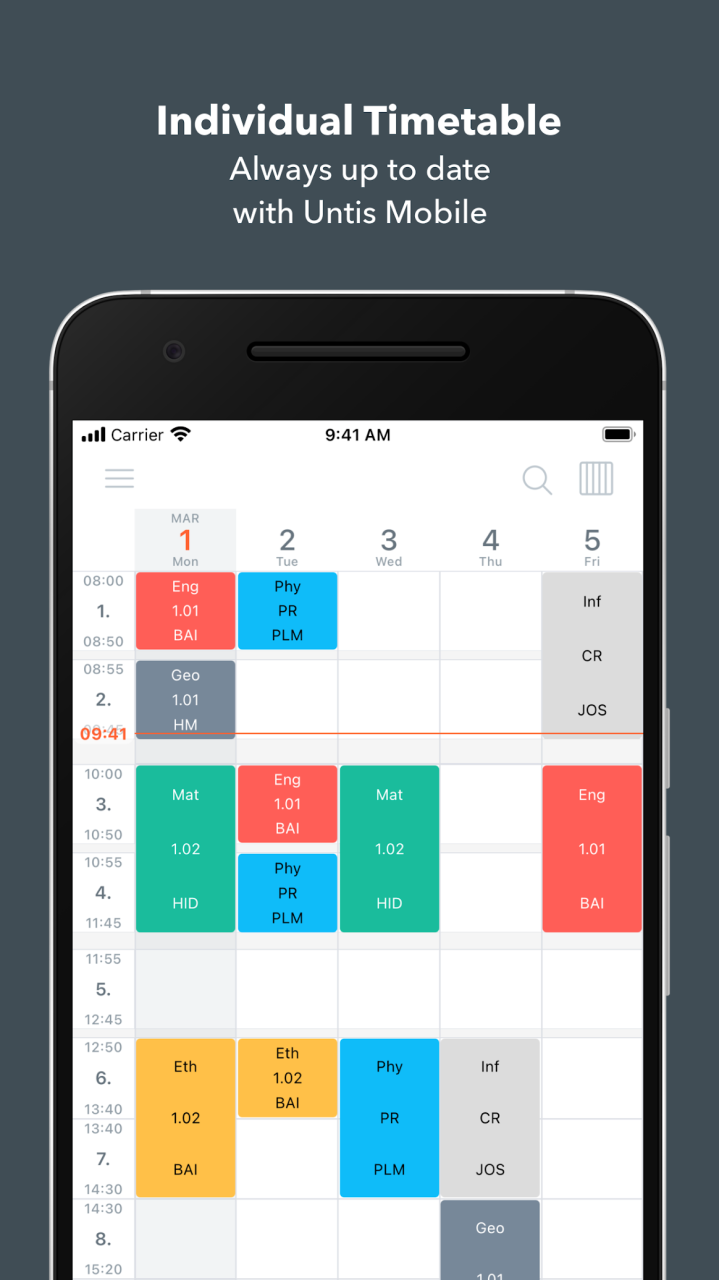
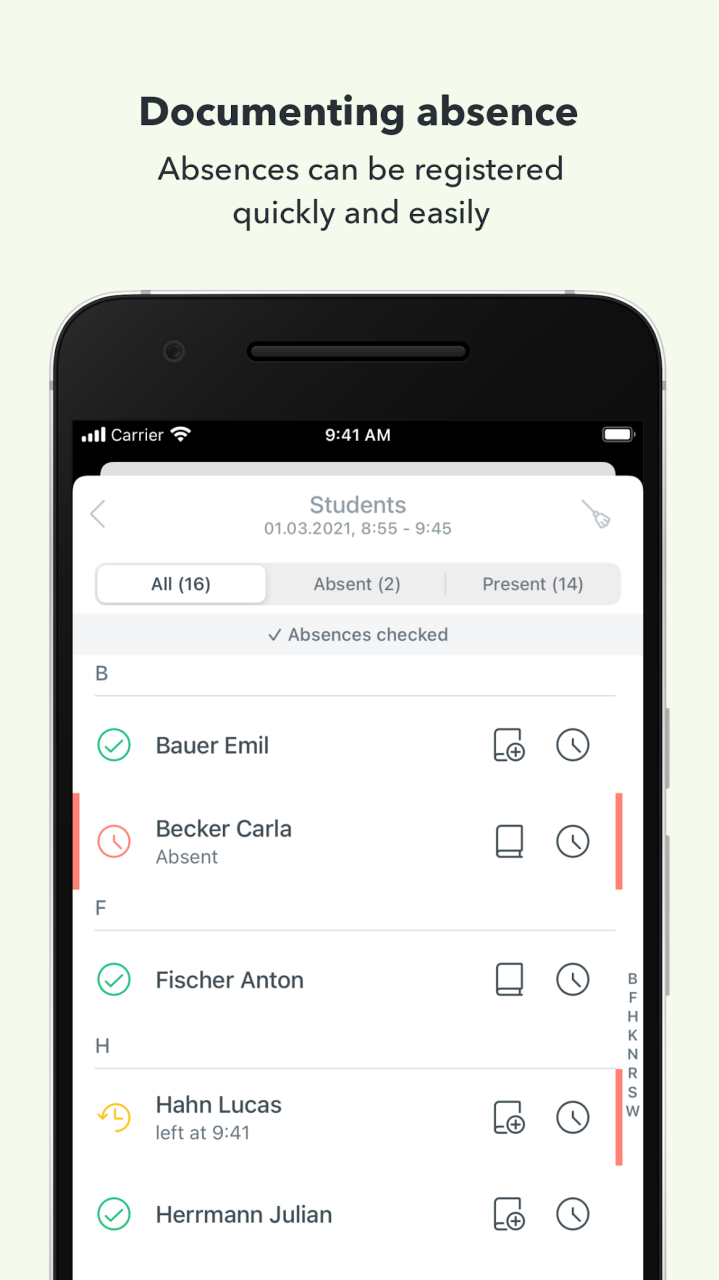
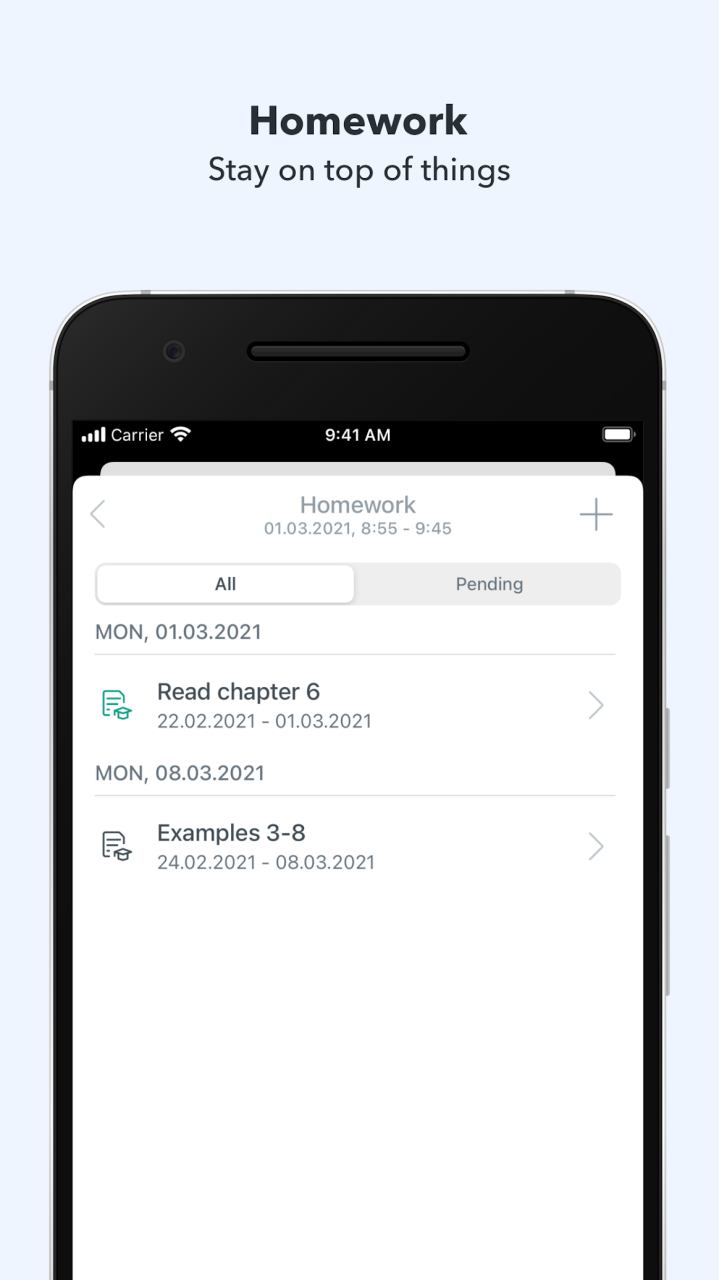
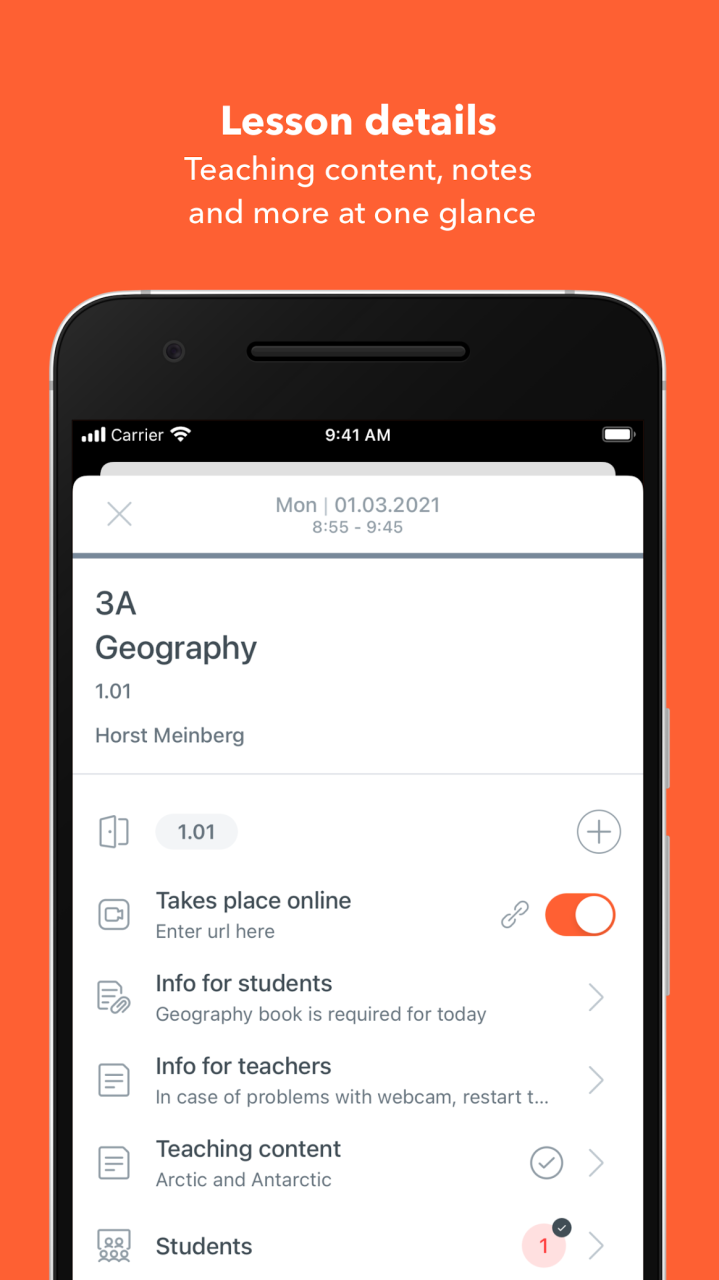
With Untis Mobile, you have all functions of WebUntis on the go and all important information for a smooth school day are available at all times.
All information at your fingertips anytime and anywhere:
- Individual timetable – also available offline
- Daily updated substitution plan
- Digital class register: Attendance check, class register entries, sick note by students or parents
- Lesson cancellations and room changes
- Exam dates, homework and video links to online lessons directly in the timetable
- Contact hours with registration
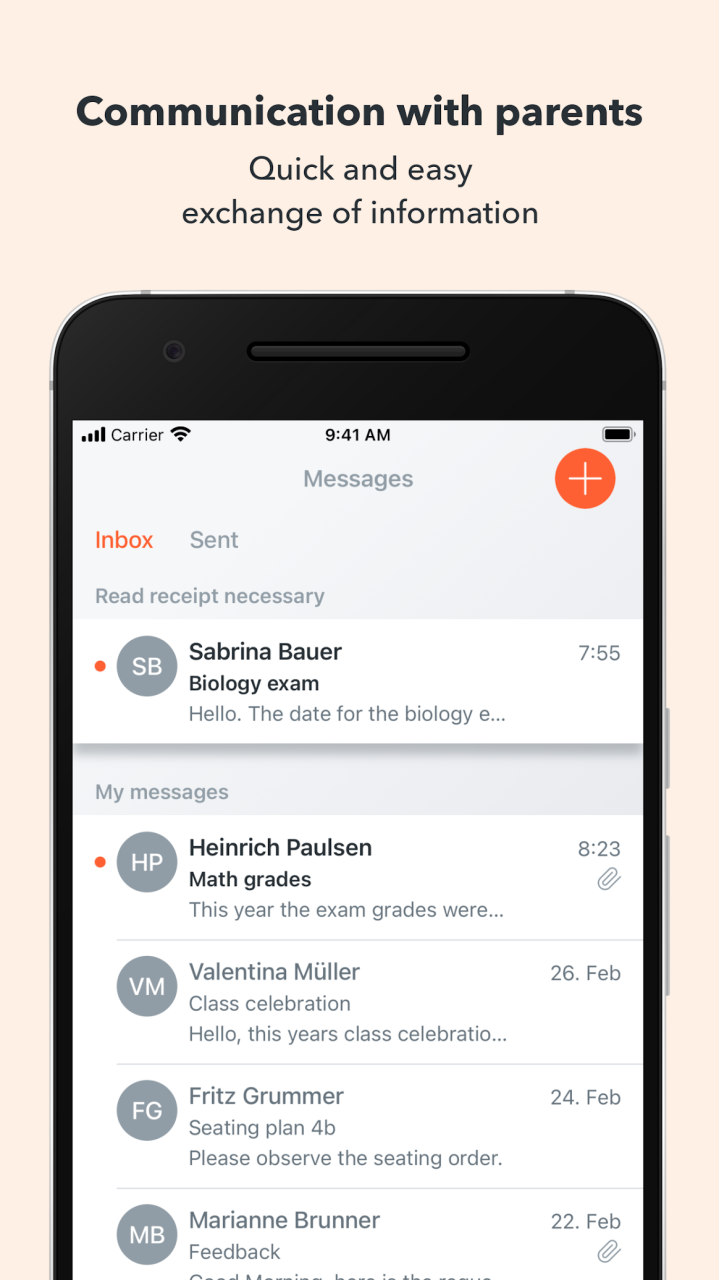
School communication between teachers, legal guardians and students:
- Messages: Parent letters, important announcements, ...
- Push notification when receiving a new message
- Request and send read confirmation
Additional WebUntis modules – e.g. Digital Class Book, Appointments, Parents-teacher days and much more – expand the app's functionality.
+++ In order to use the Untis Mobile App, the WebUntis basic package must first be booked by the school +++
Untis is the all-in-one solution for professional scheduling, substitution planning and school communication. Regardless of whether you need to schedule a complex timetable, administer digital class registers, coordinate parent-teacher days, plan resources or schedule break supervisions: Untis assists you in all your complex tasks with bespoke solutions - and has been doing so for over 50 years. Over 26.000 educational institutions worldwide – from elementary schools to complex universities – work with our products. A regional network of partner companies enables the best support of our customers locally.
https://www.untis.at/en
https://www.untis.at/en/privacy-policy-wu-apps
About Untis Mobile
The company that develops Untis Mobile is Untis GmbH. The latest version released by its developer is 5.11.3.
To install Untis Mobile on your Huawei device, just click the green Continue To App button above to start the installation process. The app is listed on our website since 2023-06-27 and was downloaded 0 times. We have already checked if the download link is safe, however for your own protection we recommend that you scan the downloaded app with your antivirus. Your antivirus may detect the Untis Mobile as malware as malware if the download link to C101975223 is broken.
How to install Untis Mobile on your Huawei device:
- Click on the Continue To App button on our website. This will redirect you to Huawei Store.
- Once the Untis Mobile is shown in the Huawei Store listing of your Huawei device, you can start its download and installation. Tap on the Install button located below the search bar and to the right of the app icon.
- A pop-up window with the permissions required by Untis Mobile will be shown. Click on Accept to continue the process.
- Untis Mobile will be downloaded onto your device, displaying a progress. Once the download completes, the installation will start and you'll get a notification after the installation is finished.
Program Details
System requirements
Download information
Pricing
Version History
version 5.11.3
posted on 2023-06-27
Disclaimer
Official AppGallery Link
We do not host Untis Mobile on our servers. We did not scan it for viruses, adware, spyware or other type of malware. This app is hosted by Huawei and passed their terms and conditions to be listed there. We recommend caution when installing it.
The AppGallery link for Untis Mobile is provided to you by apps112.com without any warranties, representations or guarantees of any kind, so access it at your own risk.
If you have questions regarding this particular app contact the publisher directly. For questions about the functionalities of apps112.com contact us.
